
Wake up.
For real.
No snooze button. To turn Wakey off you walk or solve math, then it checks you're still awake. No more "15 minutes later".
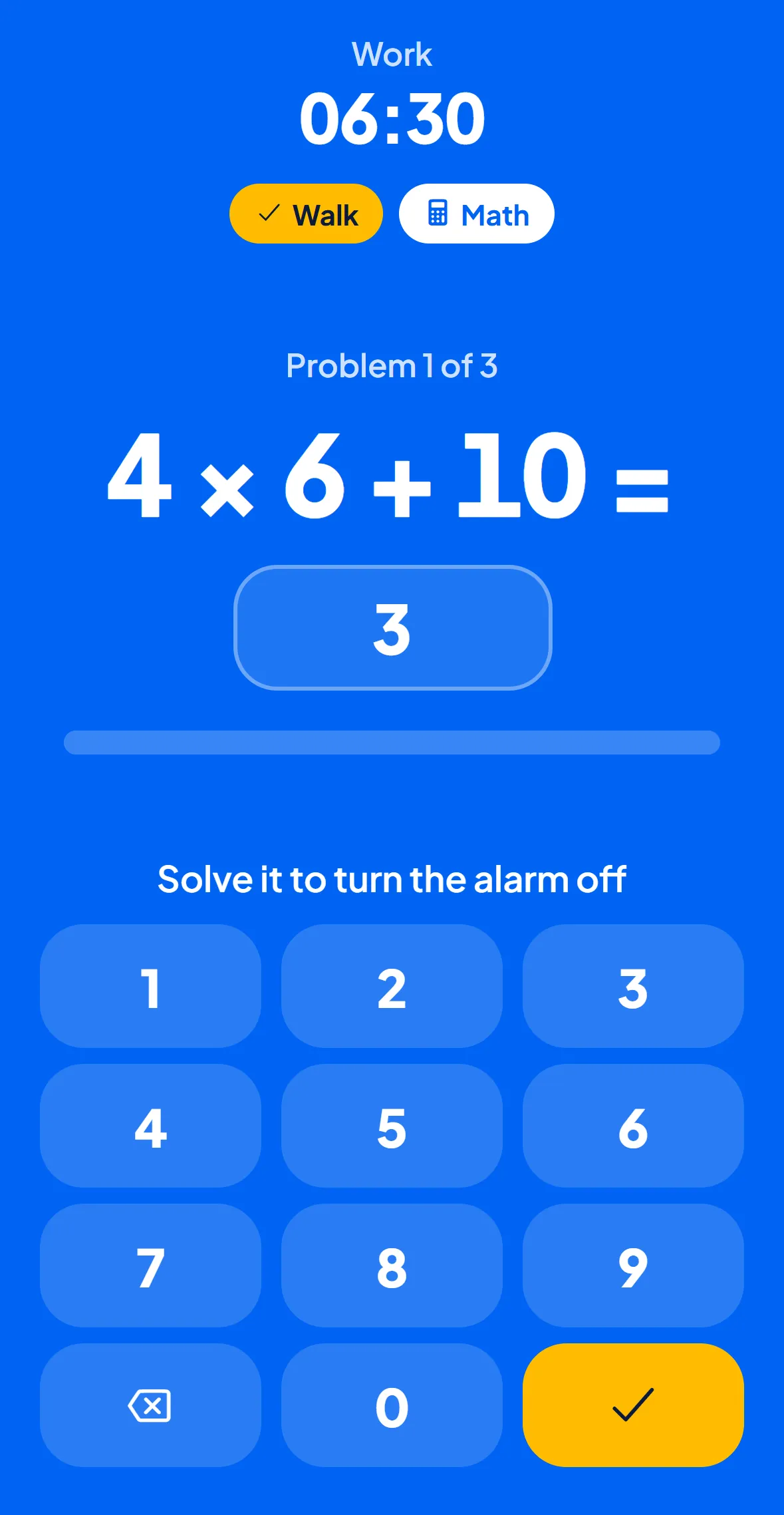
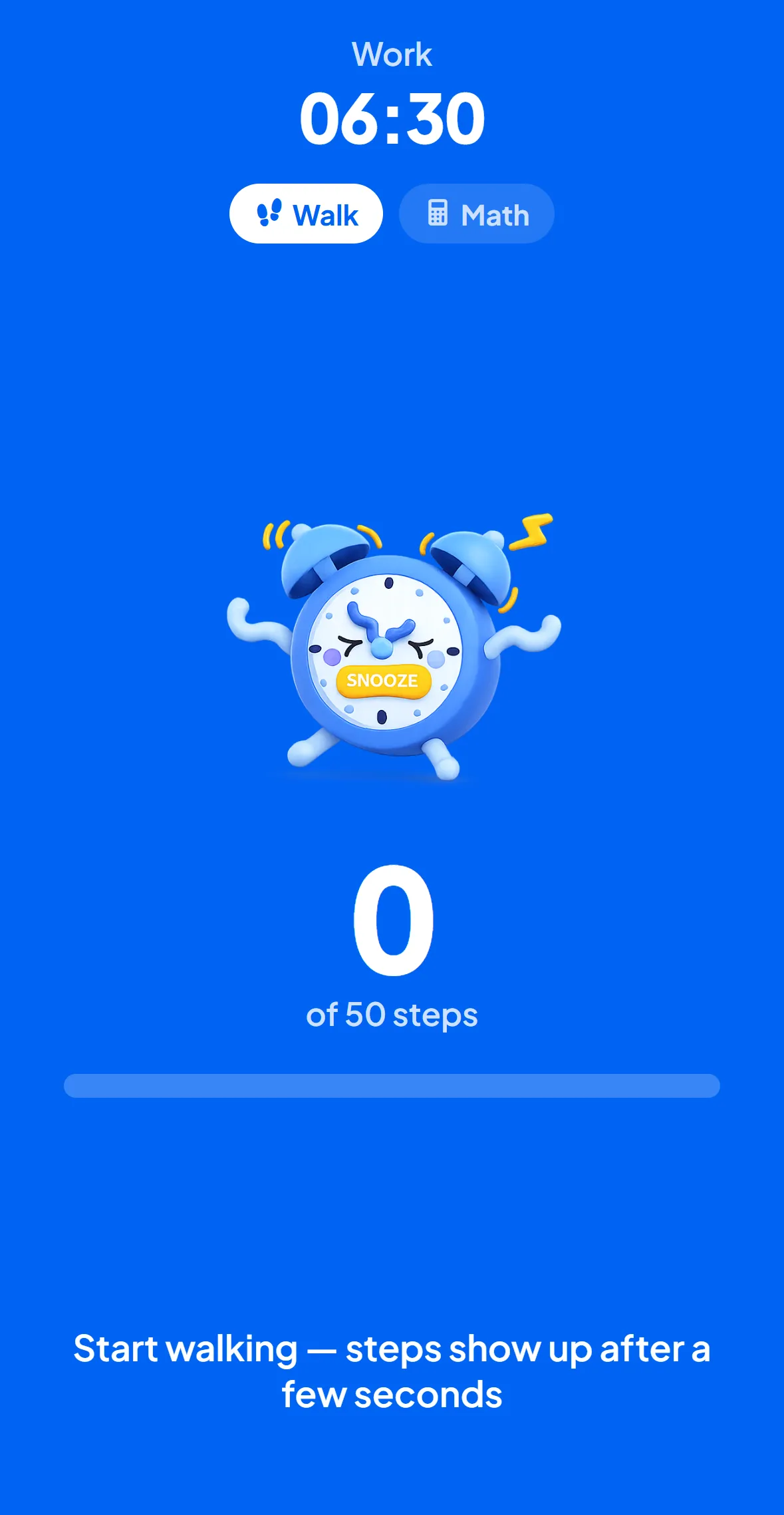
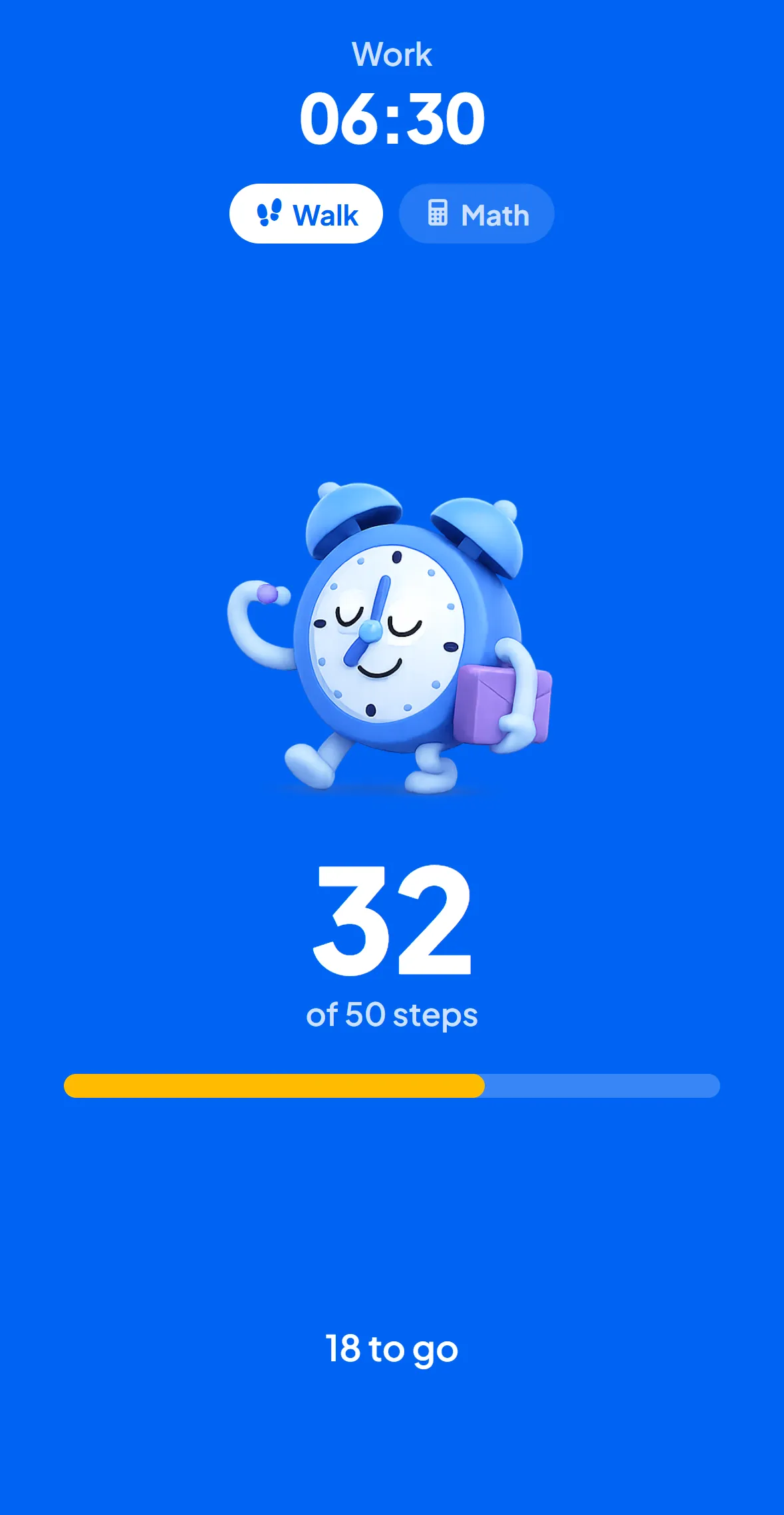
Six minutes from alarm to actually awake.
- 6:30AMAlarm
It rings. Loud.
No snooze button, nothing to tap. The only way to stop it is to play.
- 6:31AM+1 min

You walk, or you solve.
Walk the step goal or crack three math problems. Your legs and brain are both online.
- 6:36AM+5 min

"Still awake?"
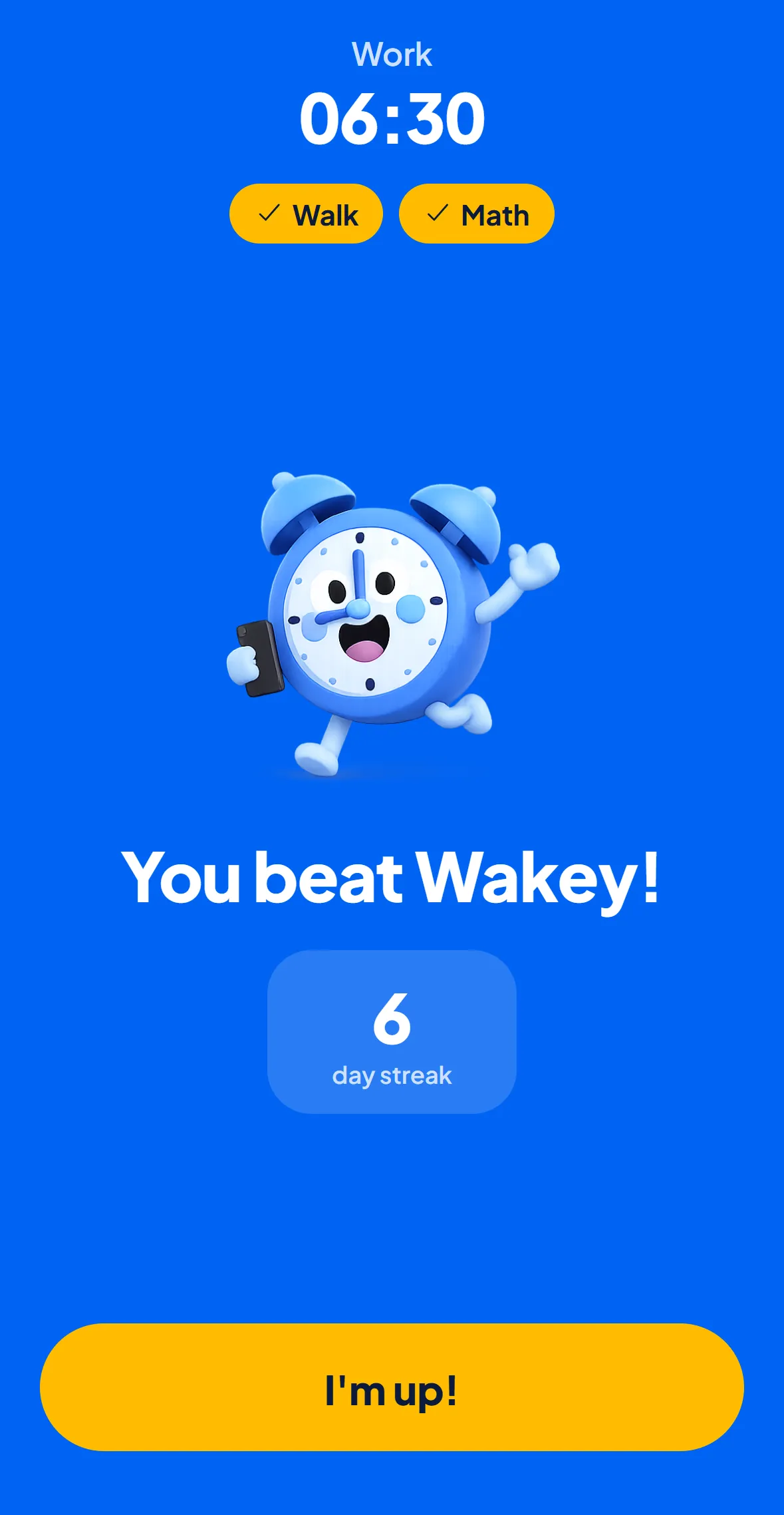
Wakey checks in again. Tap "I'm up" and your streak grows. Miss it and it rings, harder.
You can't walk lying down.
Pick the Walk game and Wakey counts your real steps. The alarm keeps ringing until you hit the goal, so you are up and moving before you can doze off.
- Counts real steps, not taps
- Step goal set by difficulty, per alarm
- Keeps ringing until you finish
Wake your brain, not just your thumb.
Prefer to stay put? Solve three problems first. Easy for weekends, hard for early shifts.
- Three problems, then silence
- Easy, medium or hard per alarm
- Loud until the last answer
No dozing back off.
Five minutes after the game, Wakey checks in again. Miss it and the alarm comes back with a harder game. Make it through and your streak grows.
- A second check 5 minutes later
- Miss it and the next game gets harder
- A wake-up streak worth keeping
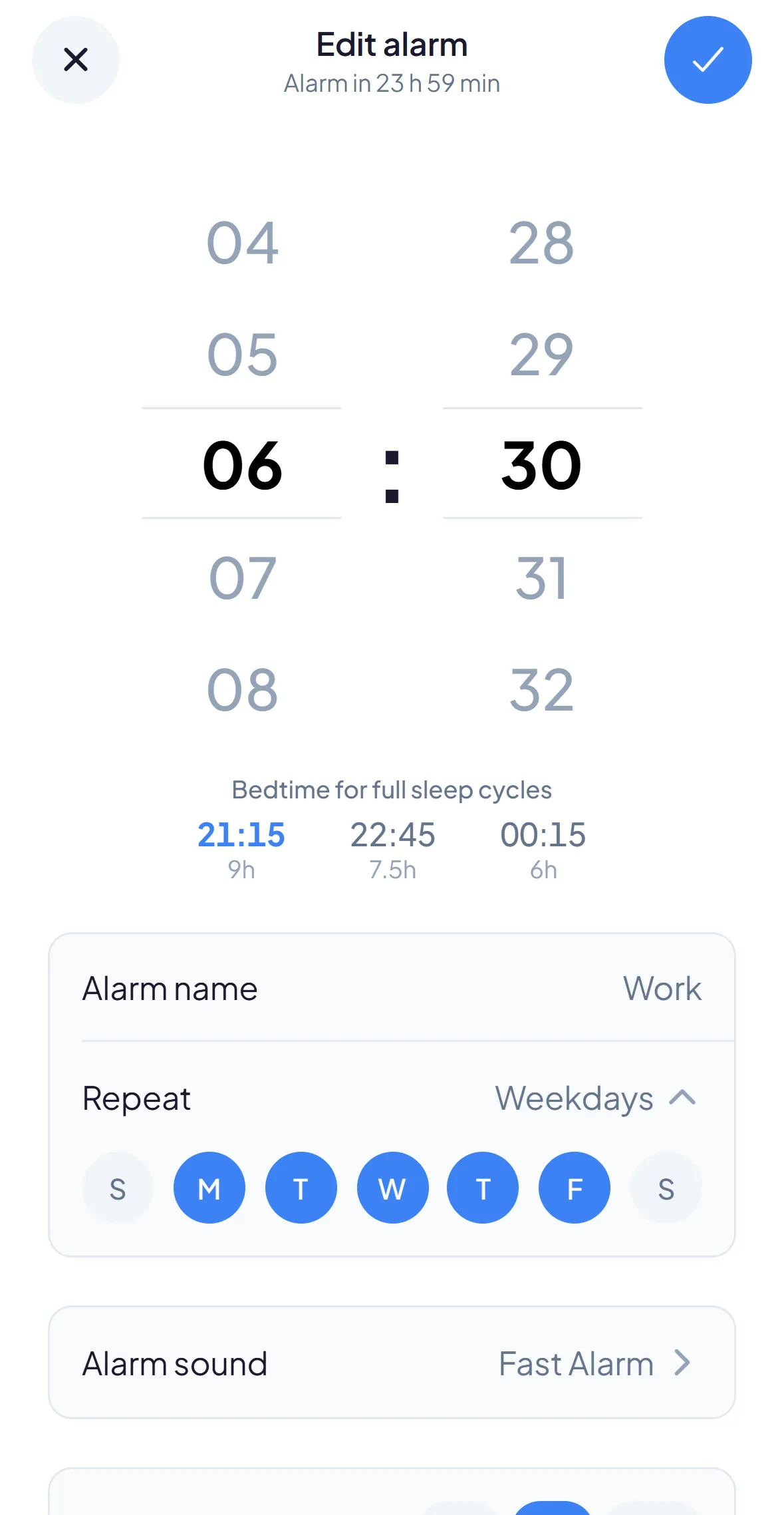
- 9:159 h
- 10:457.5 h
- 12:156 h
Wake between cycles, not mid-dream.
Every alarm comes with bedtimes based on 90-minute sleep cycles, so you wake at the light end of a cycle instead of out of deep sleep.
- Bedtimes suggested on every alarm
- Loud built-in sounds, or your own
- Different alarms for every day
When should you go to bed?
Go to bed at
- 9:45 PM6 cycles · 9 h of sleep
- 11:15 PM5 cycles · 7.5 h of sleep
- 12:45 AM4 cycles · 6 h of sleep
Set your alarm for
- 8:15 AM6 cycles · 9 h of sleep
- 6:45 AM5 cycles · 7.5 h of sleep
- 5:15 AM4 cycles · 6 h of sleep
Set your alarm for
- 4:15 PM6 cycles · 9 h of sleep
- 2:45 PM5 cycles · 7.5 h of sleep
- 1:15 PM4 cycles · 6 h of sleep
Questions people ask.
How do I stop hitting snooze?
Remove the option. Wakey has no snooze button. The only way to turn the alarm off is to finish the wake-up game, so "5 more minutes" isn't a choice anymore.
What's a good alarm app for heavy sleepers?
One that makes you do something, not just tap a button. Heavy sleepers can turn off a normal alarm without fully waking up. Wakey makes you walk or solve math first, which wakes your body and brain.
Can an alarm actually get me out of bed?
Yes. Pick the Walk game and Wakey counts your steps. You can't take steps lying down, so you have to get up.
What if I fall back asleep after turning it off?
Wakey's "Still awake?" check rings again 5 minutes after the game until you open the app. Miss it and the next game gets harder.
Can I set different difficulty for different alarms?
Yes. Choose the difficulty for each alarm: easy for weekends, hard for early shifts.
Can I use my own alarm sound?
Yes. Pick from loud built-in sounds or add your own.
When should I go to bed to wake up refreshed?
When you set an alarm, Wakey suggests bedtimes based on 90-minute sleep cycles, so you wake up between cycles, not in the middle of one.
Is there an alarm that makes you walk to turn it off?
Yes. Wakey's Walk game counts your real steps with your iPhone and keeps ringing until you reach the step goal.
What is a math alarm clock?
An alarm you silence by solving math problems instead of tapping a button. In Wakey you answer three problems, with easy, medium or hard difficulty per alarm.
Is Wakey loud enough for deep sleepers?
Wakey uses loud built-in alarm sounds, or your own sound, and keeps ringing until you finish the wake-up game. Volume plus a game is what gets deep sleepers up.
Is Wakey on Android?
Not yet. Wakey is on iPhone.